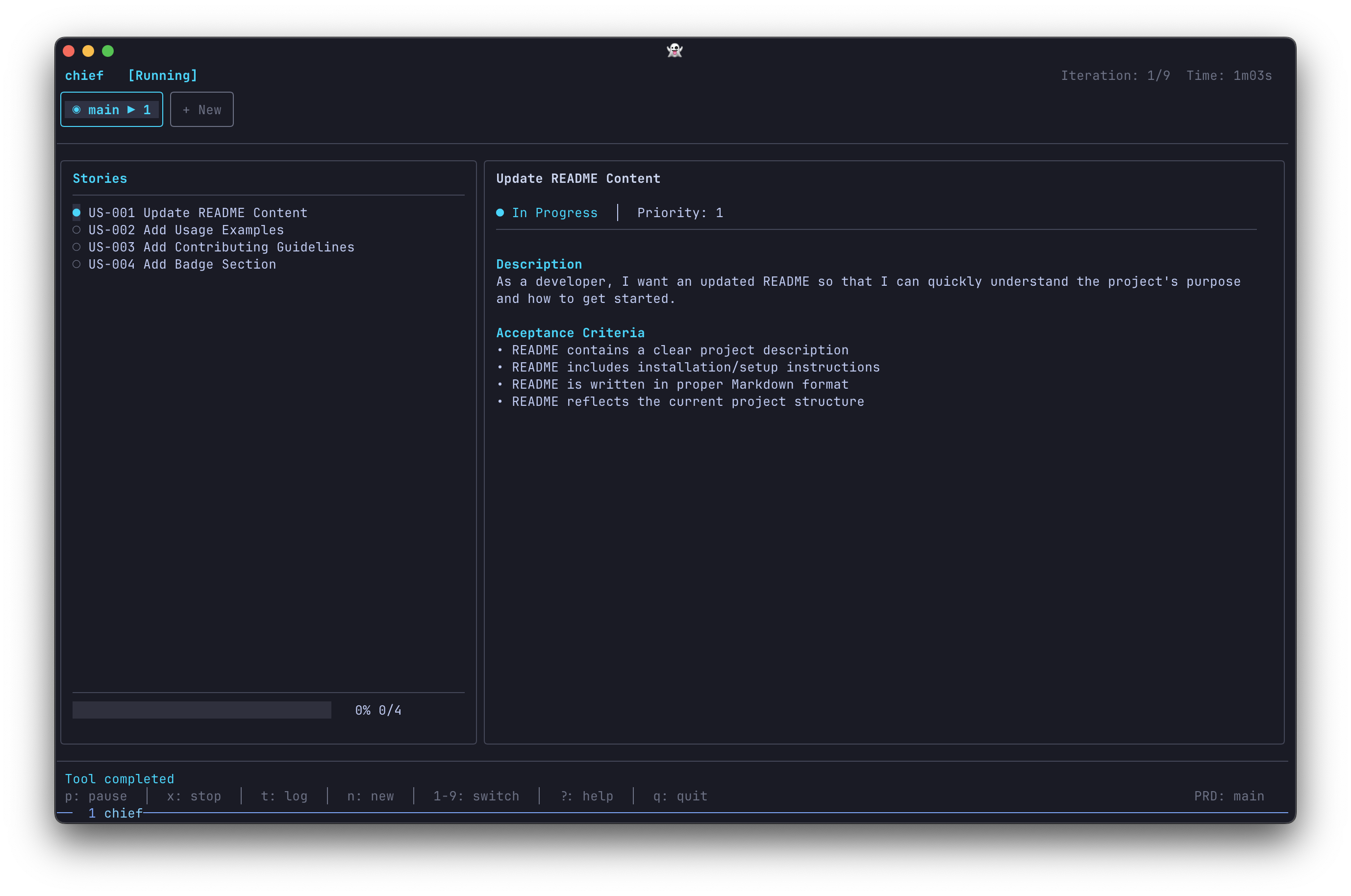
Build big projects with Claude. Maasai breaks your work into tasks and runs Claude Code in a loop until they're done.
brew install minicodemonkey/chief/maasaiOr via install script:
curl -fsSL https://raw.githubusercontent.com/MiniCodeMonkey/chief/refs/heads/main/install.sh | shClone the repo and build from source:
git clone git@github.com:ryandunnewold/chief.git
cd chief

# Build binary to ./maasai
go build -o maasai ./cmd/maasai

# Or install to $GOPATH/bin (makes `maasai` available system-wide)
go install ./cmd/maasai
Requires Go 1.24+.
# Create a new project
maasai new

# Launch the TUI and press 's' to start
maasai
Maasai runs Claude in a Ralph Wiggum loop: each iteration starts with a fresh context window, but progress is persisted between runs. This lets Claude work through large projects without hitting context limits.
- Describe your project as a series of tasks
- Maasai runs Claude in a loop, one task at a time
- One commit per task — clean git history, easy to review
See the documentation for details.
- Claude Code CLI installed and authenticated
MIT
- snarktank/ralph — The original Ralph implementation that inspired this project
- Geoffrey Huntley — For coining the "Ralph Wiggum loop" pattern
- Bubble Tea — TUI framework
- Lip Gloss — Terminal styling