These are a set of bash scripts for building and running PHP 7 (CLI and FPM) on Debian based Linux distributions:
-
build.shinstalls the necessary build dependencies and the latest stable version of PHP with CLI and FPM server APIs (SAPI) from the latest PHP 7 branch of https://github.com/php/php-src. -
install.shsets up PHP-FPM by moving configuration files into their correct locations in/usr/local/php7and enables thephp7-fpmservice and adds it to the startup sequence.
Please note that these are very simple scripts that don't implement error checking or process validation.
$ git clone https://github.com/kasparsd/php-7-debian.git
$ cd php-7-debian
$ ./build.sh
$ sudo ./install.sh
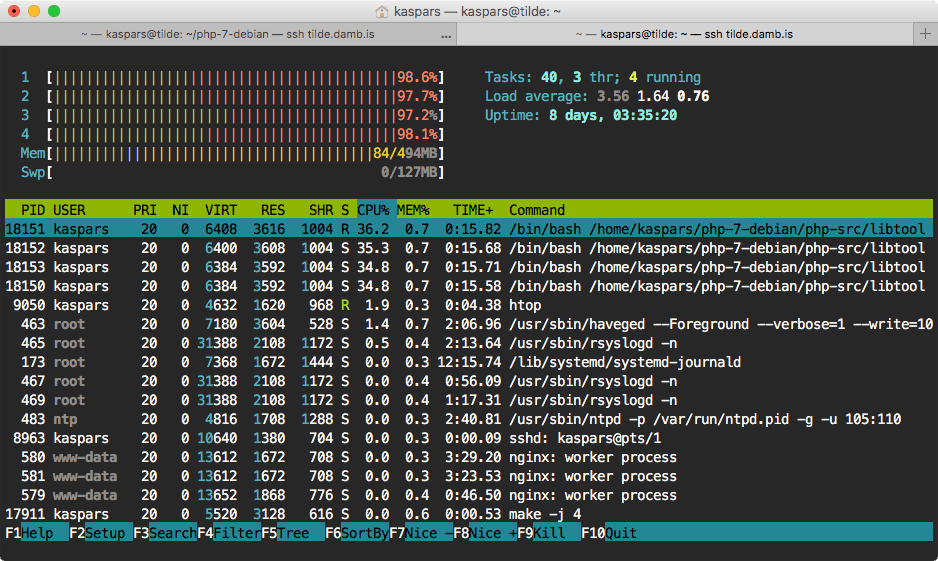
On systems with little amount of RAM such as Raspberry Pi you might want to decrease the number of parallel make jobs by passing the JOB_COUNT variable:
$ JOB_COUNT=1 ./build.sh
The default job count is equal to the number of CPU cores.
The PHP-FPM can be operated using the php7-fpm init script:
Usage: /etc/init.d/php7-fpm {start|stop|status|restart|reload|force-reload}
while the FPM socket is available at
127.0.0.1:9007
and PHP CLI at /usr/local/php7/bin/php.
Pull down the latest changes from this repository git pull and run ./build.sh.
All PHP configuration files are stored under /usr/local/php7:
/usr/local/php7/lib/php.ini
/usr/local/php7/etc/php-fpm.conf
/usr/local/php7/etc/php-fpm.d/www.conf
/usr/local/php7/etc/conf.d/modules.ini
while the Debian init script is added to:
/etc/init.d/php7-fpm
Here is a list of PHP modules that are enabled by default in this build:
$ /usr/local/php7/bin/php -m
[PHP Modules]
bcmath
bz2
calendar
Core
ctype
curl
date
dba
dom
exif
fileinfo
filter
ftp
gd
gettext
hash
iconv
intl
json
libxml
mbstring
mysqli
mysqlnd
openssl
pcntl
pcre
PDO
pdo_mysql
pdo_sqlite
Phar
posix
pspell
readline
Reflection
session
shmop
SimpleXML
soap
sockets
SPL
sqlite3
standard
sysvmsg
sysvsem
sysvshm
tokenizer
wddx
xml
xmlreader
xmlwriter
Zend OPcache
zip
zlib

[Zend Modules]
Zend OPcache
Please note that you need to restart php7-fpm to activate the extension.
$ cd php-7-debian/extensions
$ ./memcached-build.sh
$ ./memcached-install.sh
$ cd php-7-debian/extensions
$ ./imagick-build.sh
$ ./imagick-install.sh
- Created by Kaspars Dambis
- Contributors: Piotr Plenik
- Based on
php7.shby Tom Van Looy