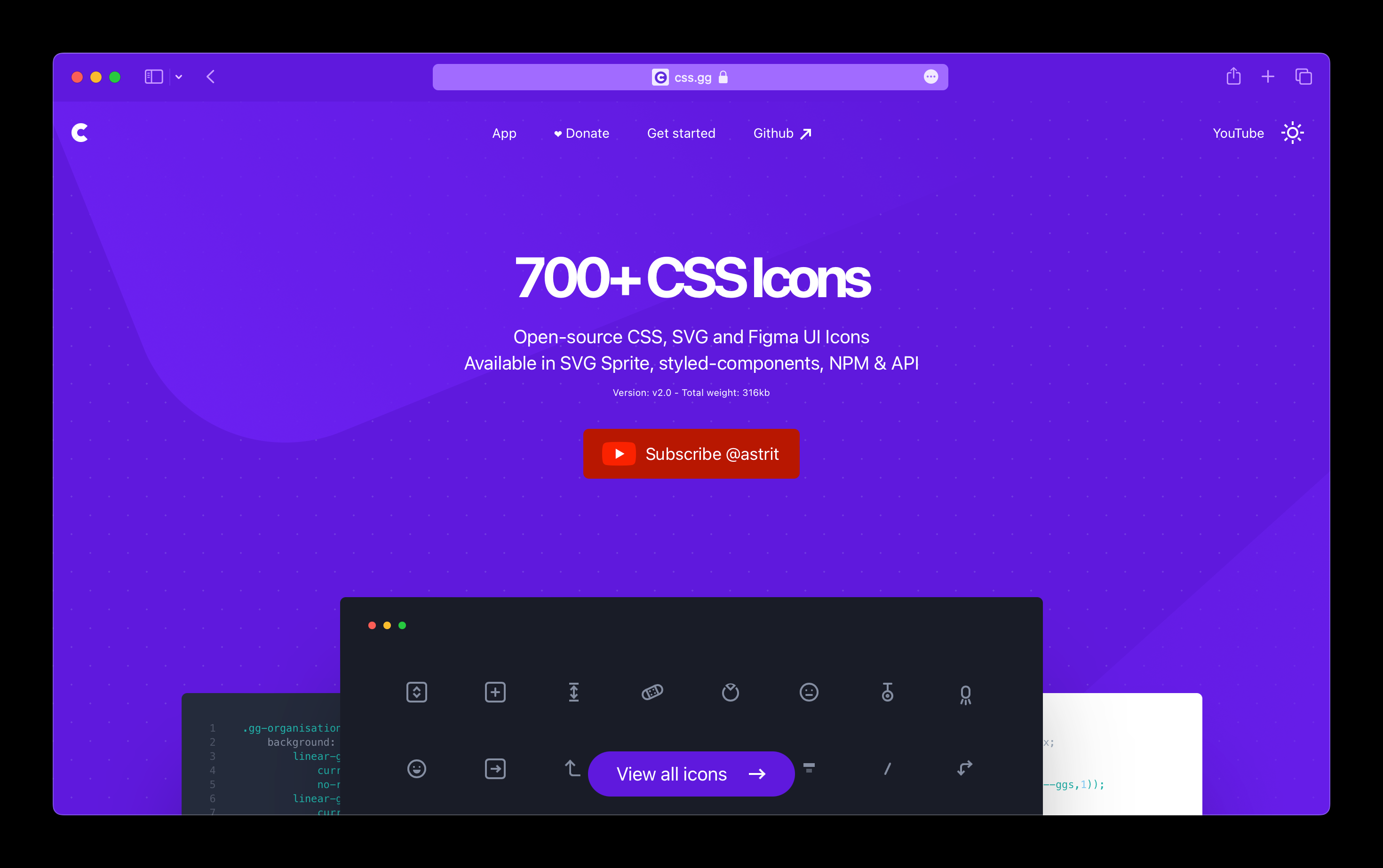
Open-source CSS, SVG and Figma UI Icons
Available in SVG Sprite, styled-components, NPM & API
!!! Now available as PNG in white and black colors
Now also a collection of well organised 6000+ glyphs, easy copy paste and available on the raycast extension.


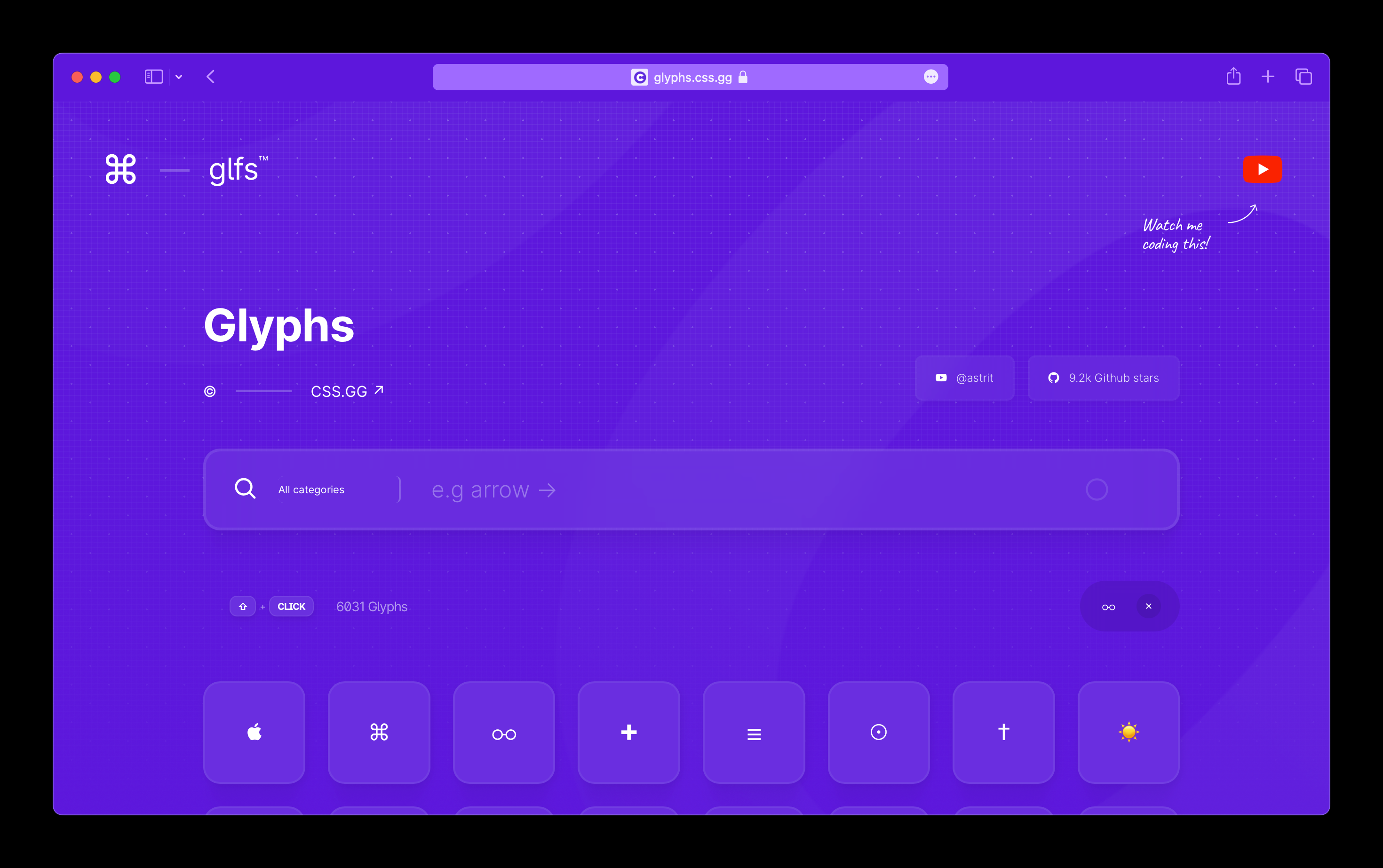
🚀 6000+ glyphs available also available on glyphs.css.gg
- Get Started
- HTML include
- CSS @import
- SVG
- JSON - paths
- XML - paths
- React
- Design Tools
- Contributors
- Donate
- Support
- v.1.0.6 or older
- TODO:
Install the latest version via npm or yarn
npm i css.ggyarn add css.ggUsing Package Manager
This package contains the following directories and files:
| Path | What it is |
|---|---|
| /icons/css | individual *.css icons |
| /icons/scss | individual *.scss icons |
| /icons/svg | individual *.svg icons |
| /icons/tsx | individual *.tsx icons styled-components |
| /icons/icons.css | all icons compressed in a single file |
| /icons/icons.d.ts | styled-components |
| /icons/icons.fig | local figma file same as https://css.gg/fig |
| /icons/icons.js | list of exported styled-components |
| /icons/icons.js.map | styled-components |
| /icons/icons.json | all icons _.css, _.svg, *.tsx including markup & public path |
| /icons/icons.scss | all icons in a single SCSS file npm i node-sass needed |
| /icons/icons.svg | SVG Sprite with all icons |
| /icons/icons.xml | all icons _.css, _.svg, *.tsx including markup & public path |
| /glyphs/glyphs.json | 6000 glyphs categorized and available on json format |
If you want to support further development of this project consider becoming a sponsor
Github Sponsor — github.com/sponsors/astrit
<!-- css.gg -->
<link href="https://css.gg/css" rel="stylesheet" />

<!-- UNPKG -->
<link href="https://unpkg.com/css.gg/icons/icons.css" rel="stylesheet" />

<!-- JSDelivr -->
<link
  href="https://cdn.jsdelivr.net/npm/css.gg/icons/icons.css"
  rel="stylesheet"
/><!-- css.gg -->
<link href="https://css.gg/ {ICONNAME} .css" rel="stylesheet" />
<!-- UNPKG -->
<link
href="https://unpkg.com/css.gg/icons/css/ {ICONNAME} .css"
rel="stylesheet"
/>
<!-- JSDelivr -->
<link
href="https://cdn.jsdelivr.net/npm/css.gg/icons/css/ {ICONNAME} .css"
rel="stylesheet"
/><!-- CSS Format -->
<link href="https://css.gg/css?= {ICONNAME} | {ICONNAME}" rel="stylesheet" /><i class=" {ICONNAME} "></i>
<!-- reference icon using span -->
<span class=" {ICONNAME} "></span>
<!-- reference icon using div -->
<div class=" {ICONNAME} "></div>
<!-- reference icon using custom tag -->
<gg-icon class=" {ICONNAME} "></gg-icon><!DOCTYPE html>
<html lang="en">
<head>
<meta charset="UTF-8" />
<meta name="viewport" content="width=device-width, initial-scale=1.0" />
<title>Document</title>
<!-- You can add this link or any other CDN alternatives as mentioned above -->
<link href="https://css.gg/css" rel="stylesheet" />
</head>
<body>
<!-- Using i tag -->
<i class="gg- {ICONNAME} "></i>
<!-- Using div tag -->
<div class="gg- {ICONNAME} "></div>
<!-- Using custom tag -->
<gg-icon class="gg- {ICONNAME} "></gg-icon>
</body>
</html>/* css.gg */
@import url("https://css.gg/css");
/* UNPKG */
@import url("https://unpkg.com/css.gg/icons/icons.css");
/* JSDelivr */
@import url("https://cdn.jsdelivr.net/npm/css.gg/icons/icons.css");/* css.gg */
@import url("https://css.gg/ {ICONNAME} .css");
/* UNPKG */
@import url("https://unpkg.com/css.gg/icons/css/ {ICONNAME} .css");
/* JSDelivr */
@import url("https://cdn.jsdelivr.net/npm/css.gg/icons/css/ {ICONNAME} .css");/* css.gg */
@import url("https://css.gg/css?= {ICONNAME} | {ICONNAME}");To resize an icon you just need to change the value of a css variable "--ggs" to any value you like if not specified it falls back to 1 or the actual size.
.gg-{ICONNAME} {
    /* This value will multiple the actual size  */
    --ggs: 10;
}
The variable can be added to the parent, custom class,body or root level if you want all icons same size.
:root {
  --ggs: 6;
}By default all the CSS, SCSS icons inherit the color from the parent by using currentColor attribute how ever you can apply any color you like.
.gg-{ICONNAME} {
  color: teal;
}You can't use these paths, you must download since SVG doesn't allow external sources.
<!-- css.gg -->
https://css.gg/svg

<!-- UNPKG -->
https://unpkg.com/css.gg/icons/icons.svg

<!-- JSDelivr -->
https://cdn.jsdelivr.net/npm/css.gg/icons/icons.svg<!DOCTYPE html>
<html lang="en">
<head>
<meta charset="UTF-8" />
<meta name="viewport" content="width=device-width, initial-scale=1.0" />
<title>Document</title>
</head>
<body>
<!-- First copy all.svg to your project directory -->
<svg><use xlink:href="path/to/icons.svg# {ICONNAME} " /></svg>
</body>
</html><!-- css.gg -->
https://css.gg/ {ICONNAME} .svg
<!-- UNPKG -->
https://unpkg.com/css.gg/icons/svg/ {ICONNAME} .svg
<!-- JSDelivr -->
https://cdn.jsdelivr.net/npm/css.gg/icons/svg/ {ICONNAME} .svg<!DOCTYPE html>
<html lang="en">
<head>
<meta charset="UTF-8" />
<meta name="viewport" content="width=device-width, initial-scale=1.0" />
<title>Document</title>
</head>
<body>
<!-- First copy all.svg to your project directory -->
<svg><use xlink:href="path/to/icons.svg# {ICONNAME} " /></svg>
</body>
</html>You can add as symbol each or copy the entire file contents at one of the CDN alternatives as mentioned at 2.1
<!DOCTYPE html>
<html lang="en">
  <head>
    <meta charset="UTF-8" />
    <meta name="viewport" content="width=device-width, initial-scale=1.0" />
    <title>Document</title>
  </head>
  <body>
    <svg xmlns="http://www.w3.org/2000/svg" style="display: none;">
      <symbol id="{ICONNAME}">
        <!-- here goes the icon path  -->
      </symbol>
    </svg>

    <!-- Afterward you can call the icons by id like this: -->
    <svg><use xlink:href="# {ICONNAME} " /></svg>
  </body>
</html>You can go to https://css.gg/{ICONNAME} and copy the SVG icon directy and paste it on your project.
You can also download a single icon by just visiting https://css.gg/{ICONNAME}.svg
<!DOCTYPE html>
<html lang="en">
  <head>
    <meta charset="UTF-8" />
    <meta name="viewport" content="width=device-width, initial-scale=1.0" />
    <title>Document</title>
  </head>
  <body>
    <!-- Just paste it where you want the icon to be  -->
    <svg
      width="24"
      height="24"
      viewBox="0 0 24 24"
      fill="none"
      xmlns="http://www.w3.org/2000/svg"
    >
      <path d="M9 13H15V17H9V13Z" fill="currentColor" fill-opacity="0.5" />
      <path d="M6 7H18V11H6V7Z" fill="currentColor" />
    </svg>
  </body>
</html>You need to define width and height in order for this to work. Afterwards you can just create a div
.gg-{ICONNAME} {

  background-image:
    url("data:image/svg+xml,<svg></svg>");

}
To encode use this tool
https://yoksel.github.io/url-encoder/
<!DOCTYPE html>
<html lang="en">
  <head>
    <meta charset="UTF-8" />
    <meta name="viewport" content="width=device-width, initial-scale=1.0" />
    <title>Document</title>
  </head>
  <body>
    <!-- Using i tag  -->
    <i class="gg- {ICONNAME} "></i>

    <!-- Using div tag  -->
    <div class="gg- {ICONNAME} "></div>

    <!-- Using custom tag  -->
    <gg-icon class="gg- {ICONNAME} "></gg-icon>
  </body>
</html>By default all colors use currentColor as value in order to inherit the color from the parent.
If you wish to change that color you can do the following.
<!DOCTYPE html>
<html lang="en">
  <head>
    <meta charset="UTF-8" />
    <meta name="viewport" content="width=device-width, initial-scale=1.0" />
    <title>Document</title>
  </head>
  <body>
    <svg><path fill=" {COLOR} " /></svg>
  </body>
</html><!DOCTYPE html>
<html lang="en">
<head>
<meta charset="UTF-8" />
<meta name="viewport" content="width=device-width, initial-scale=1.0" />
<title>Document</title>
<style>
/* 1. You define the CSS class like this: */
.custom__color path {
color: teal;
}
</style>
</head>
<body>
<!-- 2. After that you have to apply the class to the icon -->
<svg class="custom__color"><path /></svg>
</body>
</html><!-- All attributes -->
https://css.gg/json
<!-- Only Style -->
https://css.gg/json?=&op=css
<!-- Style & Markup -->
https://css.gg/json?=&op=css+markup
<!-- UNPKG -->
https://unpkg.com/css.gg/icons/icons.json
<!-- JSDelivr -->
https://cdn.jsdelivr.net/npm/css.gg/icons/icons.json<!-- All attributes -->
https://css.gg/json?= {ICONNAME}
<!-- Only Style -->
https://css.gg/json?= {ICONNAME} &op=css
<!-- Style & Markup -->
https://css.gg/json?= {ICONNAME} &op=css+markup
<!-- No CDN Alternatives --><!-- All attributes -->
https://css.gg/json?= {ICONNAME} | {ICONNAME}
<!-- Only Style -->
https://css.gg/json?= {ICONNAME} | {ICONNAME} &op=css
<!-- Style & Markup -->
https://css.gg/json?= {ICONNAME} | {ICONNAME} &op=css+markup
<!-- No CDN Alternatives --><!-- All attributes -->
https://css.gg/xml
<!-- Only Style -->
https://css.gg/xml?=&op=css
<!-- Style & Markup -->
https://css.gg/xml?=&op=css+markup
<!-- UNPKG -->
https://unpkg.com/css.gg/icons/icons.xml
<!-- JSDelivr -->
https://cdn.jsdelivr.net/npm/css.gg/icons/icons.xml<!-- All attributes -->
https://css.gg/xml?= {ICONNAME}
<!-- Only Style -->
https://css.gg/xml?= {ICONNAME} &op=css
<!-- Style & Markup -->
https://css.gg/xml?= {ICONNAME} &op=css+markup
<!-- No CDN Alternatives --><!-- All attributes -->
https://css.gg/xml?= {ICONNAME} | {ICONNAME}
<!-- Only Style -->
https://css.gg/xml?= {ICONNAME} | {ICONNAME} &op=css
<!-- Style & Markup -->
https://css.gg/xml?= {ICONNAME} | {ICONNAME} &op=css+markup
<!-- No CDN Alternatives -->On a React project you can include a single icon as CSS, Styled Component, SCSS, SVG or call the contents using .json or .xml files.
Note that only styled-components icons can be called directly such as:
import { ICONNAME } from "css.gg";After you install the package by using npm i css.gg or yarn add css.gg you can add a single icon like this:
import React from "react";
import { ICONNAME } from "css.gg";

export default function () {
  return (
    <div>
      <ICONNAME />
    </div>
  );
}If you need to download a single typescript or styled-componment format icon without downloading the entire package just visit the link like this:
https://css.gg/{ICONNAME}.tsxIf you don't want to download at all but just copy paste visit the icon page and you have a special tab for it.
https://css.gg/{ICONNAME}import React from "react";
// local path
import { ICONNAME } from "./ {ICONNAME} ";
function App() {
return (
<div>
<ICONNAME />
</div>
);
}
export default App;import React from "react";
// Import function from package
import { SVG } from "css.gg";
function App() {
return (
<div>
<svg width="24" height="24">
<use xlinkHref={SVG + "#gg-ICONNAME"} />
</svg>
</div>
);
}
export default App;import React from 'react';
// Import function from package
import { CSS } from 'css.gg'
function App() {
return (
<div>
<!-- Using i tag -->
<i className="gg- {ICONNAME} "></i>
<!-- Using div tag -->
<div className="gg- {ICONNAME} "></div>
<!-- Using custom tag -->
<gg-icon className="gg- {ICONNAME} "></gg-icon>
</div>
);
}
export default App;import React from 'react';
// Import path from package
import 'css.gg/icons/css/ {ICONNAME} .css'
function App() {
return (
<div>
<!-- Using i tag -->
<i className="gg- {ICONNAME} "></i>
<!-- Using div tag -->
<div className="gg- {ICONNAME} "></div>
<!-- Using custom tag -->
<gg-icon className="gg- {ICONNAME} "></gg-icon>
</div>
);
}
export default App;SCSS format to work you need to have node-sass installed npm i node-sass
import React from 'react';

// Import function from package
import { SCSS } from 'css.gg'

function App() {
  return (
    <div>

        <!-- Using i tag  -->
        <i className="gg- {ICONNAME} "></i>

        <!-- Using div tag  -->
        <div className="gg- {ICONNAME} "></div>

        <!-- Using custom tag  -->
        <gg-icon className="gg- {ICONNAME} "></gg-icon>

    </div>

9E05
);
}

export default App;SCSS format to work you need to have node-sass installed npm i node-sass
import React from 'react';

// Import path from package
import 'css.gg/icons/scss/ {ICONNAME} .scss'

function App() {
  return (
    <div>

        <!-- Using i tag  -->
        <i className="gg- {ICONNAME} "></i>

        <!-- Using div tag  -->
        <div className="gg- {ICONNAME} "></div>

        <!-- Using custom tag  -->
        <gg-icon className="gg- {ICONNAME} "></gg-icon>

    </div>
  );
}

export default App;import { SVG, CSS, SCSS, ICONNAME, ICONNAME } from "css.gg";1. Figma - https://css.gg/fig
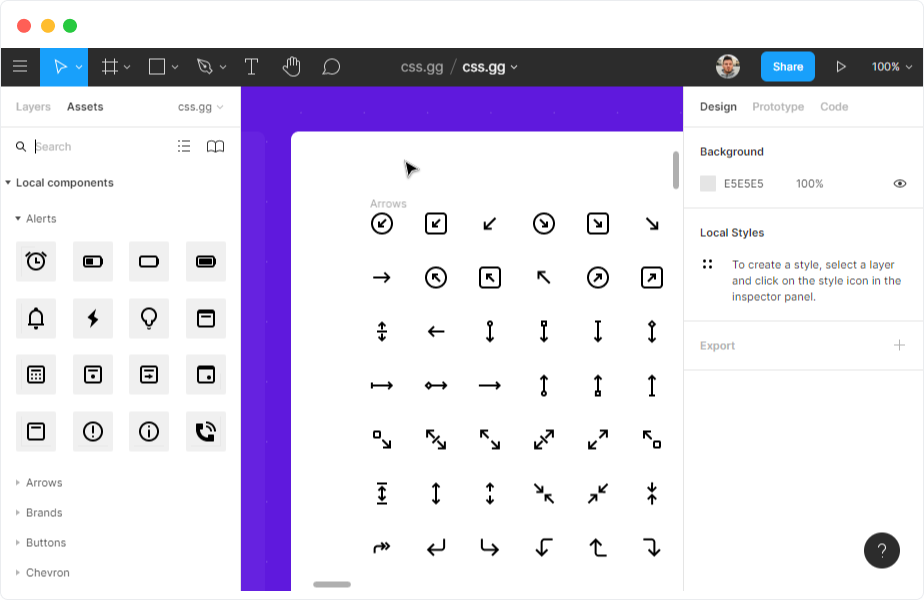
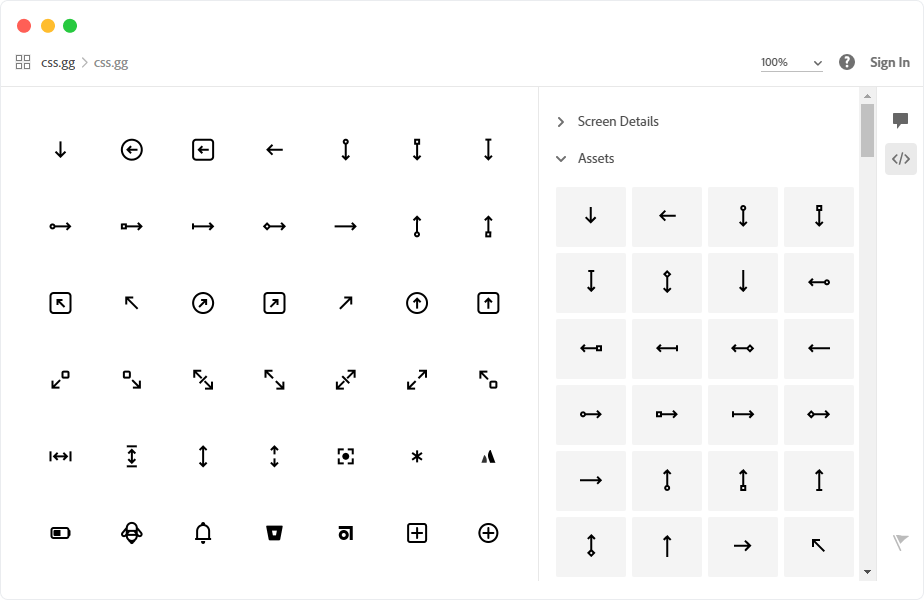
All icons are available as components on assets from where you can search for a sigle icon or browse categories.
2. Adobe XD - https://css.gg/xd
All icons are available as components
- Astrit - Author
- JiangWeixian - Styled Components
- Lona - Figma/SVG Design
To become a contributor do a new pull request.
Discord - https://github.com/astrit/css.gg/discussions
In order to access older versions you can use one of the provided CDN Alternatives
<!-- UNPKG -  v.1.0.6 -->
https://unpkg.com/browse/css.gg@1.0.6/

<!-- JSDelivr -  v.1.0.6 -->
https://cdn.jsdelivr.net/npm/css.gg@1.0.6/If you would like to contribute feel free to do a new pull request.
