
3D Viewer makes it easy to embed interactive 3D models in posts, pages, widgets, and WooCommerce products. No coding needed. It supports popular formats like GLB, GLTF, OBJ, and STL. Add models with a Gutenberg block or shortcode, let visitors rotate, zoom, and explore, and deliver a fast, mobile-ready 3D experience right on your site.
WooCommerce
Support
Animated 3D
Interactivity
ShortCode
Support
Trusted by more than 10,000+
active users across the world
Customers
Why Choose 3D Viewer?
Static images don’t give the full picture. Visitors want to explore products and designs in action. But adding 3D models to WordPress usually means heavy plugins, coding, or slow external tools.
The Problem with Traditional 3D Embeds
- Static images limit engagement and sales
- Complex setups require coding or third-party apps
- Some viewers may break on mobile or slow down your site
- No WooCommerce integration for product previews
- Poor user experience drives customers away
The Better Way to Show 3D in WordPress
3D Viewer gives you a fast, simple, and powerful solution:
- Embed 3D models directly into posts, pages, widgets, or WooCommerce products
- Support for popular formats like GLB, GLTF, OBJ, and STL
- Fully responsive and mobile-ready design
- Touch controls: rotate, zoom, and pan with ease
- Lazy loading for optimized performance and SEO
- Elementor + Gutenberg integration for easy placement
- Gallery support to showcase product variants or multiple models
Embed 3D Models Anywhere
on Your Site
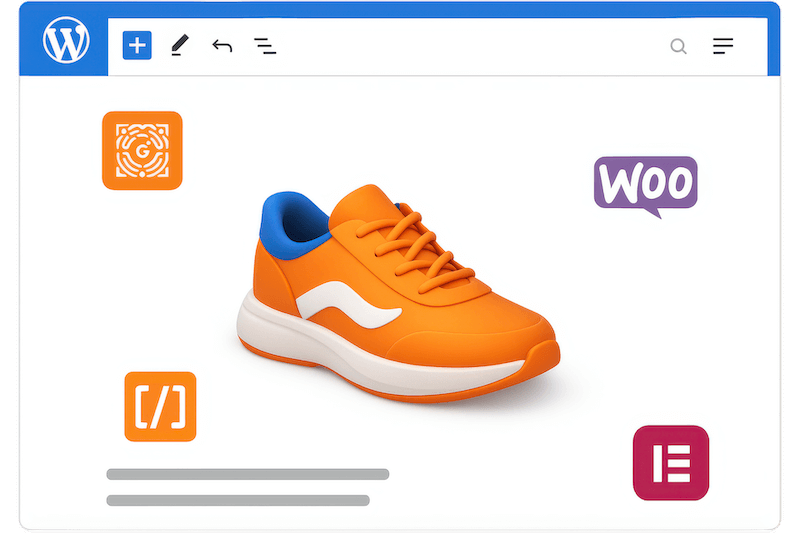
Easily add 3D models to posts, pages, widgets, or WooCommerce products without coding. Use Gutenberg blocks, Elementor widgets, or shortcodes to place models exactly where you need them. Keep the process fast, simple, and accessible for every WordPress user.
Give Visitors Full Control
of 3D Models
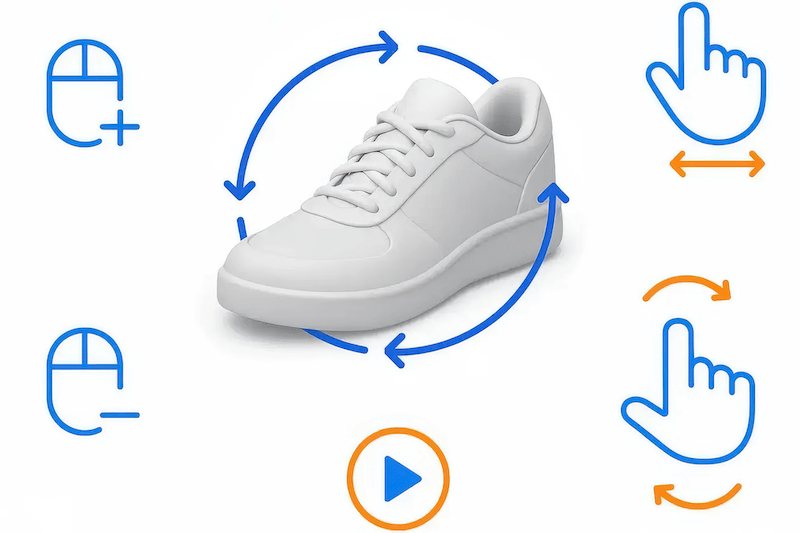
Let users rotate, zoom, and pan models with mouse or touch gestures for an interactive experience. Enable auto-rotation to create hands-free 360° previews that capture attention instantly. Make it easy for visitors to explore your products or designs in detail.
Add Interactive 3D or 360° Product Images
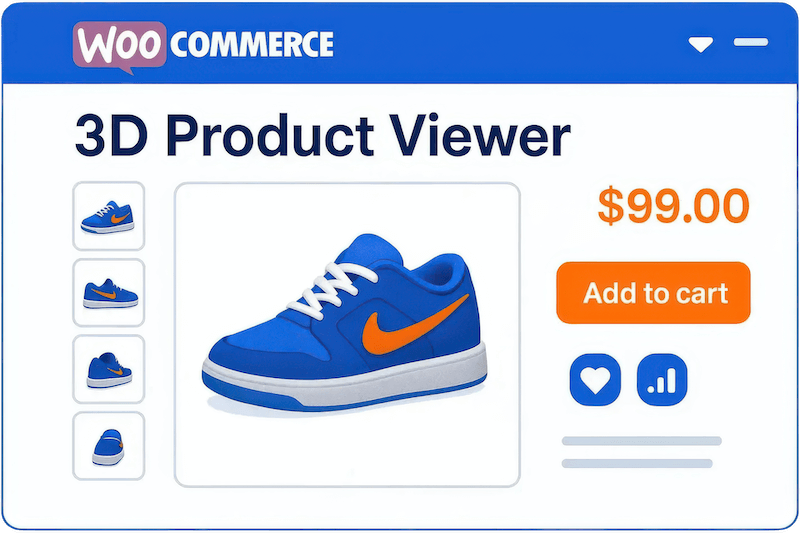
Showcase products in 3D directly on your WooCommerce store to build trust and boost conversions. Create galleries for different variants or model angles, helping customers understand every detail before making a purchase. Turn static product pages into dynamic, engaging shopping experiences.

Improve Site Speed and SEO with Lazy Loading
Keep your site fast while displaying detailed 3D content. Lazy loading ensures models only load when visible, reducing strain on your server and improving performance. Deliver a smooth browsing experience that keeps visitors engaged while helping your site rank higher.
Seamlessly integrate diverse 3D models, supporting GLB, GLTF, OBJ, STL, and more for comprehensive project flexibility.
Enhance product pages with interactive 3D previews, driving customer confidence and increasing sales directly within your shop.
Effortlessly add 3D models using shortcodes, ensuring compatibility across Classic Editor, widgets, and all WordPress content areas.
Fine-tune the 3D viewing experience with adjustable default zoom, rotation speed, background color, and other personalized settings.
Offer distraction-free 3D model viewing with a single click, providing an immersive experience for your website visitors.
Maintain rapid site speed by loading 3D models only when visible, significantly improving performance and SEO rankings.
Provide customers with an instant, real-world augmented reality preview of your products, enhancing their purchasing decision.
Experience lightning-fast model loading and optimal site performance through a design specifically engineered for efficiency and speed.
Allow visitors to intuitively explore 3D models using touch, pan, zoom, and rotate gestures for a dynamic viewing experience.
Automatically rotate your 3D models, creating captivating 360-degree product views without requiring any user interaction.
Showcase multiple 3D models, such as product variants, within a single viewer gallery for comprehensive product displays.
Store and reuse your favorite 3D viewer configurations, streamlining workflow and ensuring consistent model presentations across your site.
Seamlessly add 3D models to your pages with Elementor’s drag-and-drop interface, simplifying design and content creation.
Load 3D models directly from external sources like Amazon S3, Google Drive, and CDNs, offering flexible hosting options.
Adjust lighting, shadow intensity, and exposure settings to perfectly showcase your 3D models with optimal visual fidelity.
Testimonials
Explore the Interface,
Settings & Preview Screens
Learning Materials
Looking for some learning materials. You will better understand how to use 3D Viewer.
FAQs