English | 中文
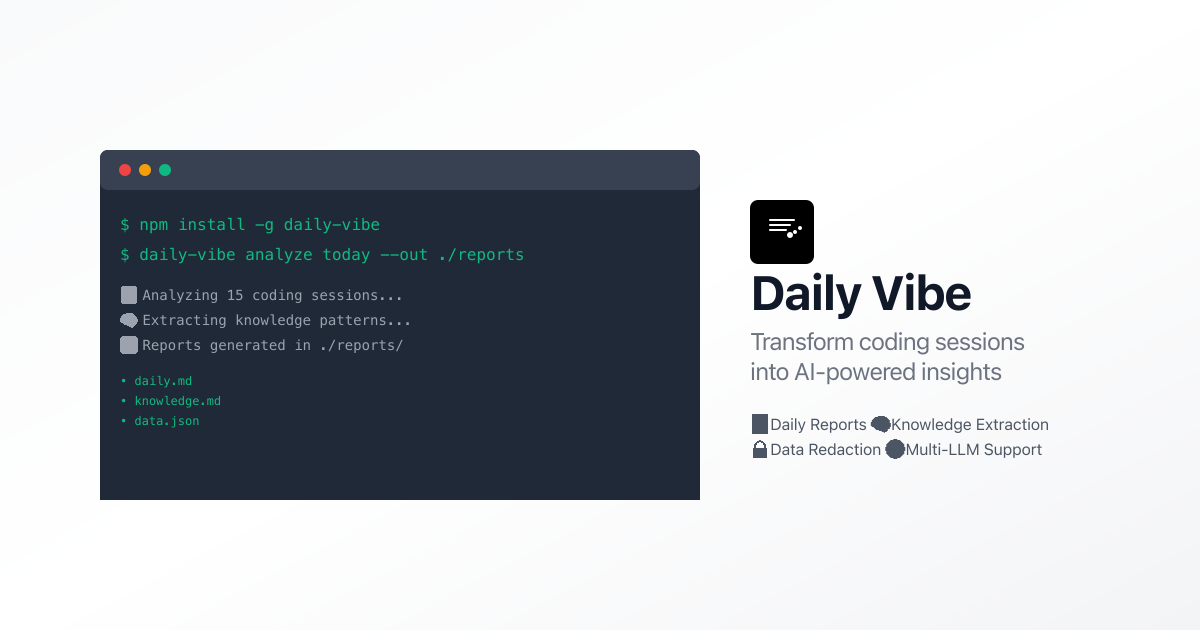
Daily Vibe is a powerful CLI tool that analyzes your coding sessions from Claude Code and Codex CLI to generate insightful daily reports and knowledge extraction. Transform your development activity into meaningful insights with AI-powered analysis.
- 📊 Daily Reports: Generate comprehensive daily development summaries
- 🧠 Knowledge Extraction: Extract problems, solutions, and best practices from your coding sessions
- 🔒 Data Redaction: Automatically redact sensitive information (API keys, secrets, etc.)
- 🔄 Chunked Analysis: Handle large datasets with parallel processing for better performance
- 🌐 Multi-LLM Support: Compatible with OpenAI, Anthropic Claude, and any OpenAI-compatible API
- 📁 Multiple Data Sources: Support for Claude Code, Codex CLI, and VS Code extensions
- 🌍 Timezone Support: Accurate time-based filtering with timezone awareness
# Install globally via npm
npm install -g daily-vibe

# Or install globally via yarn
yarn global add daily-vibe

# Or install globally via pnpm
pnpm add -g daily-vibe# Check if installed correctly
daily-vibe --version
# Get help
daily-vibe --help- Configure your LLM provider:
# For OpenAI
daily-vibe config set --provider openai --api-key sk-your-api-key

# For Anthropic Claude
daily-vibe config set --provider anthropic --api-key sk-ant-your-api-key

# For custom OpenAI-compatible API (e.g., DashScope)
daily-vibe config set --provider generic --base-url https://dashscope.aliyuncs.com/compatible-mode/v1 --api-key sk-your-api-key --model qwen-plus- Analyze today's sessions:
daily-vibe analyze today --out ./reports- Analyze a date range:
daily-vibe analyze range --from 2025-01-01 --to 2025-01-07 --out ./reportsdaily-vibe config set [OPTIONS]
Options:
-p, --provider <provider> LLM provider (openai|anthropic|generic)
-k, --api-key &
8000
lt;key> API key for the provider
-u, --base-url <url> Base URL for OpenAI-compatible APIs
-m, --model <model> Model name to use
-s, --show Show current configurationExamples:
# Configure OpenAI
daily-vibe config set --provider openai --api-key sk-proj-abc123... --model gpt-4

# Configure Anthropic
daily-vibe config set --provider anthropic --api-key sk-ant-api03-abc123...

# Configure DashScope (Alibaba Cloud)
daily-vibe config set --provider generic \
  --base-url https://dashscope.aliyuncs.com/compatible-mode/v1 \
  --api-key sk-abc123... \
  --model qwen-turbo

# Show current configuration
daily-vibe config set --showdaily-vibe analyze today [OPTIONS]
Options:
-o, --out <directory> Output directory for reports
-j, --json Output results as JSON
-p, --provider <provider> Override LLM provider
-m, --model <model> Override model name
--no-redact Disable content redactionExamples:
# Basic analysis
daily-vibe analyze today

# Save reports to directory
daily-vibe analyze today --out ./reports

# Get JSON output
daily-vibe analyze today --json

# Disable redaction for debugging
daily-vibe analyze today --no-redact --out ./debug-reportsdaily-vibe analyze range [OPTIONS]
Options:
-f, --from <date> Start date (YYYY-MM-DD)
-t, --to <date> End date (YYYY-MM-DD)
-o, --out <directory> Output directory for reports
-j, --json Output results as JSON
-p, --provider <provider> Override LLM provider
-m, --model <model> Override model name
--no-redact Disable content redactionExamples:
# Analyze last week
daily-vibe analyze range --from 2025-01-01 --to 2025-01-07 --out ./reports

# Analyze with custom date formats
daily-vibe analyze range --from "2025-01-01" --to "today" --out ./reports

# Use different model for analysis
daily-vibe analyze range --from yesterday --to today --model gpt-4-turbo --out ./reportsdaily-vibe sources scanThis command will show:
- Claude Code project files (
~/.claude/projects/**/*.jsonl) - Codex CLI session files (
~/.codex/sessions/**/*.jsonl) - Codex CLI history files (
~/.codex/history/**/*.jsonl) - VS Code Codex extension data
- SpecStory history files (
**/.specstory/history/**)
daily-vibe redact test [TEXT]

Options:
  -f, --file <file>           Test redaction on a file
Examples:
# Test with text
daily-vibe redact test "My API key is sk-proj-abc123xyz"

# Test with file
daily-vibe redact test --file ./sensitive-file.txtWhen you run analysis, Daily Vibe generates three types of files:
- Overview: Session count, events, problems identified
- Key Outputs: Major accomplishments and deliverables
- Test Results: Success/failure statistics
- Todo Items: Pending tasks and priorities
- Build/Compilation Issues: TypeScript errors, dependency problems
- Tool Configuration: ESLint, testing setup, environment issues
- Code Implementation: Design patterns, best practices
- Problem-Solution Pairs: Categorized by technology domain
- Complete analysis results in JSON format
- Session details with timestamps
- Event-level information
- Statistics and metadata
Daily Vibe uses cosmiconfig for configuration management. Configuration is automatically loaded from:
package.json(dailyVibeproperty).dailyviberc.json.dailyviberc.jsdailyvibe.config.js
{
  "llm": {
    "provider": "openai",
    "apiKey": "sk-proj-your-api-key",
    "model": "gpt-4",
    "baseUrl": "https://api.openai.com/v1"
  },
  "timezone": "Asia/Shanghai",
  "outputDir": "./reports",
  "redact": {
    "enabled": true,
    "patterns": [
      "sk-[a-zA-Z0-9]{20,}",
      "ghp_[a-zA-Z0-9]{36}",
      "[0-9]{1,3}\\.[0-9]{1,3}\\.[0-9]{1,3}\\.[0-9]{1,3}"
    ]
  }
}Daily Vibe includes built-in data redaction to protect sensitive information:
- API Keys: OpenAI, GitHub, AWS, etc.
- Tokens: JWT tokens, access tokens
- URLs: Internal URLs, database connections
- IP Addresses: IPv4 and IPv6 addresses
- Email Addresses: Personal and work emails
- File Paths: System paths that might contain usernames
You can customize redaction patterns in the configuration file or disable redaction entirely with --no-redact.
- Project session files:
~/.claude/projects/**/*.jsonl - All conversation history and tool usage
- Active sessions:
~/.codex/sessions/**/*.jsonl - Conversation history:
~/.codex/history/**/*.jsonl
- History files:
**/.specstory/history/**/*.{md,jsonl} - Markdown conversation logs
- Codex/ChatGPT extension data from VS Code global storage
- Platform-specific paths (macOS, Linux, Windows)
- Daily Standups: Generate comprehensive development summaries
- Knowledge Management: Build a searchable database of solutions
- Code Review Prep: Identify key changes and decisions
- Learning Tracking: Monitor skill development and problem-solving patterns
- Team Sharing: Document best practices and common pitfalls
- Project Documentation: Auto-generate development logs
If you want to contribute to Daily Vibe or run it from source:
- Node.js >= 18.0.0
- pnpm (recommended) or npm
git clone https://github.com/AoWangg/daily-vibe.git
cd daily-vibe
pnpm install
pnpm run build

# Link for local development
npm linkpnpm test
pnpm run lintKeep Daily Vibe up to date:
# Update to latest version
npm update -g daily-vibe

# Check current version
daily-vibe --versionTo remove Daily Vibe:
# Uninstall globally
npm uninstall -g daily-vibe

# Or with yarn
yarn global remove daily-vibe

# Or with pnpm
pnpm remove -g daily-vibeMIT License - see LICENSE file for details.
Contributions are welcome! Please feel free to submit a Pull Request. For major changes, please open an issue first to discuss what you would like to change.
If you encounter any issues or have feature requests, please file them in the GitHub Issues.
- Built with oclif - The Open CLI Framework
- Powered by OpenAI and Anthropic APIs
- Supports Claude Code and Codex CLI sessions