


Trusted by 1M+ creators
Image Upscaler
Upscale images up to 16x without losing quality. 2x and 4x are free
No credit card required
4.6
2,100+ reviews















AI image upscaler: Upscale images to 4K and beyond without losing quality
A product photo that's too small for your store, or a thumbnail that pixelates when you stretch it, isn't ready to post. VEED's AI image upscaler increases image resolution by 2x to 16x. It adds the detail that resizing can't, so your bigger image stays crisp instead of turning soft and blocky.
Upload your image, pick a ratio, and use the hold-to-compare lens to check the result before you download it. Upscale a 1080p image by 2x and you get 4K. Use it on Shopify and Amazon product photos, YouTube thumbnails, posters, and pictures from the AI image generator that you want to print.
How to upscale an image with AI
Step 01
Upload your image
Click the upload box and choose the image you want to upscale. Product photos, screenshots, logos, thumbnails, and AI-generated images all work.
Step 02
Choose your upscale ratio and model
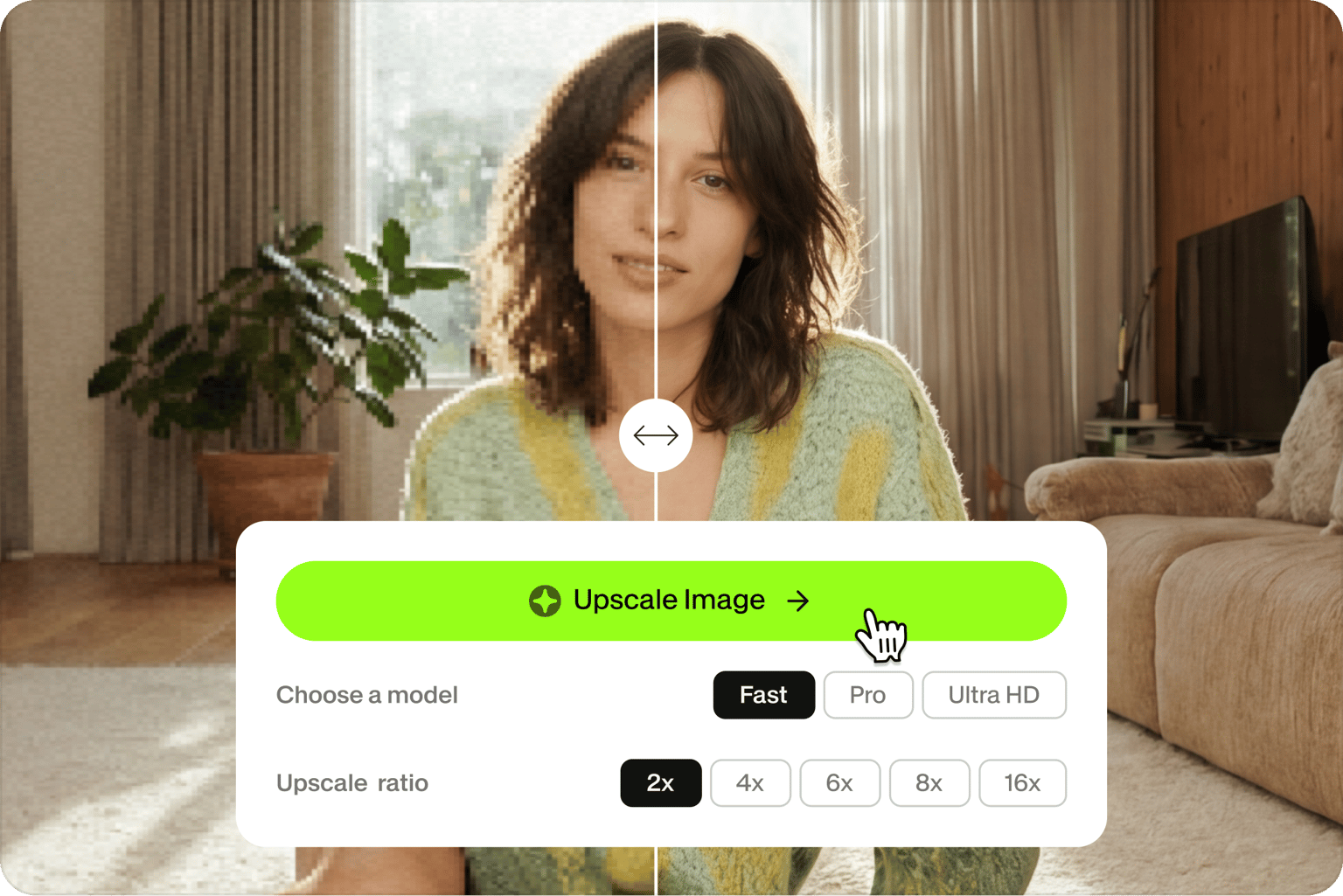
Pick 2x, 4x, 6x, 8x, or 16x. 2x and 4x with the Fast model are free. For bigger ratios, or for the Pro and Ultra HD models with more detail, you'll need a paid plan. Click Upscale Image.
Step 03
Compare and download
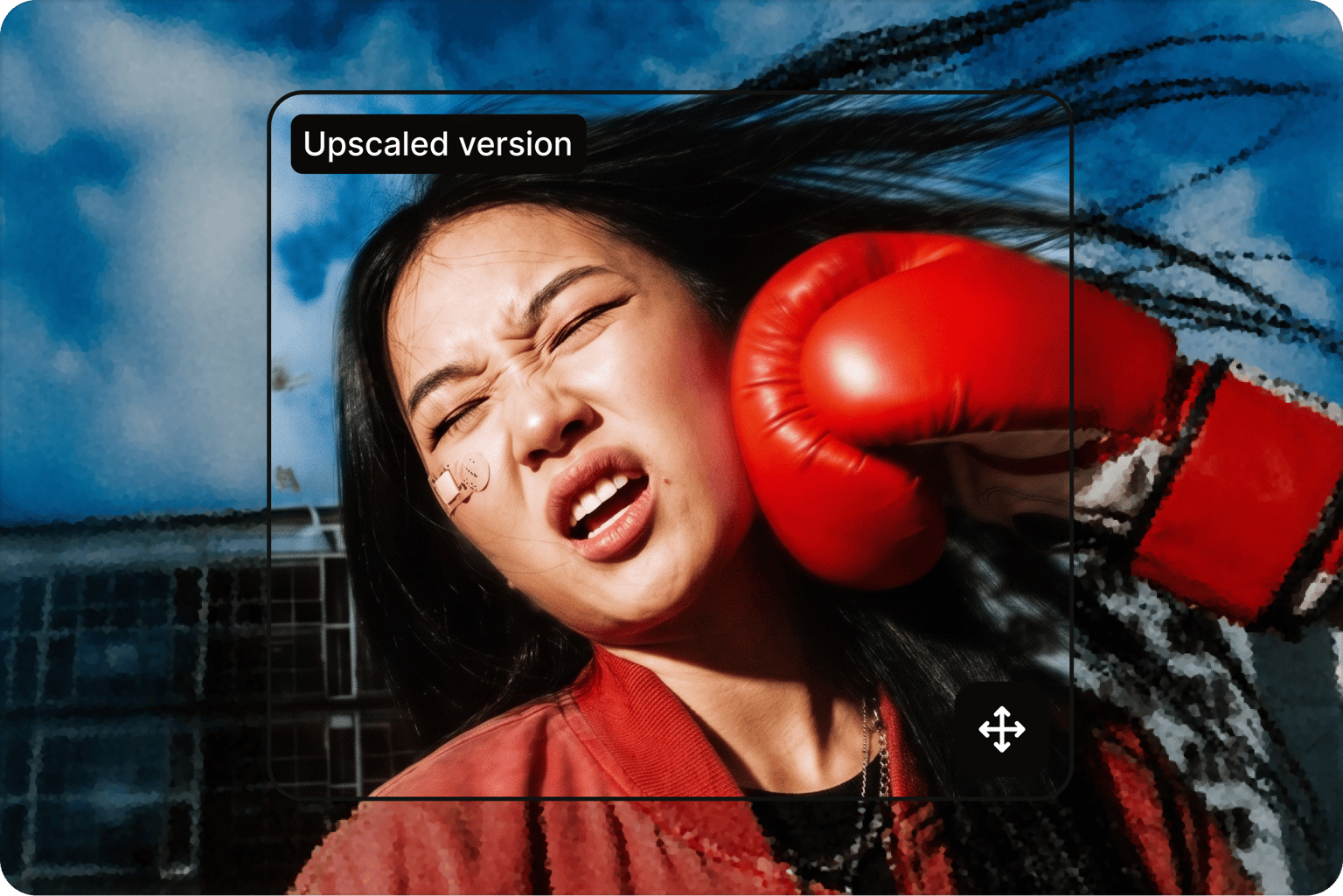
Press and hold the lens on your result to compare it with the original, then drag it over faces, text, and edges. Download your high-resolution image, or click “Make image into a video” to animate it. Need other changes? Open it in VEED's AI image editor.
Learn More
Learn how to add an image to a video:
Upscale images up to 16x for any screen or print
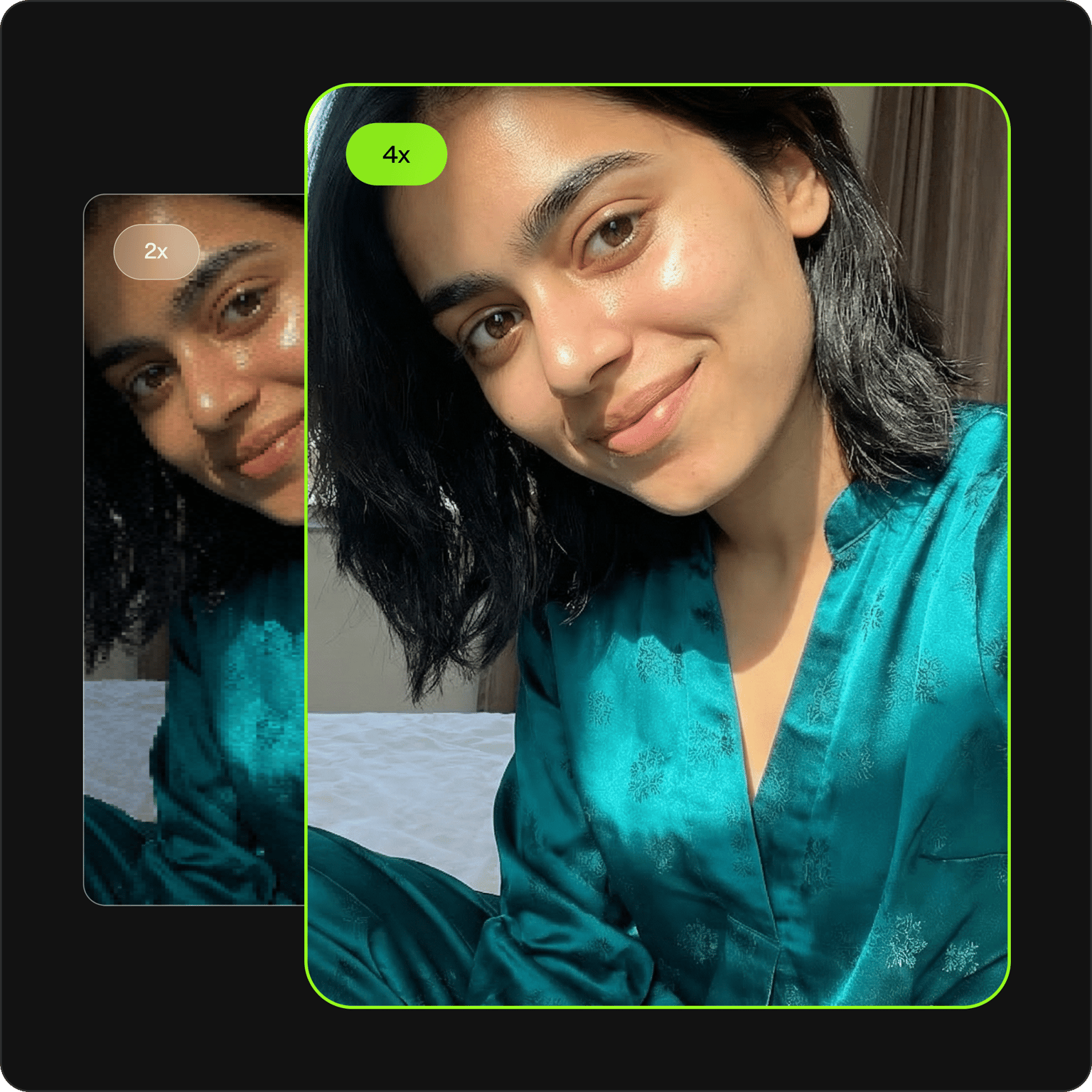
Choose the size you need. 2x is enough for social posts and web pages. 4x takes most images to 4K for YouTube thumbnails, slides, and big screens. 6x, 8x, and 16x turn tiny images into files you can print on flyers, posters, and product packaging.
Hold to compare before you download
You shouldn't have to take the AI's word for it. Hold the lens over your result to see the original and the upscaled image in the same spot, and check fine details at full size. Switch to Pro or Ultra HD when you need more detail, so the image you post looks like a clean original, not a stretched copy.
Turn your upscaled image into a video
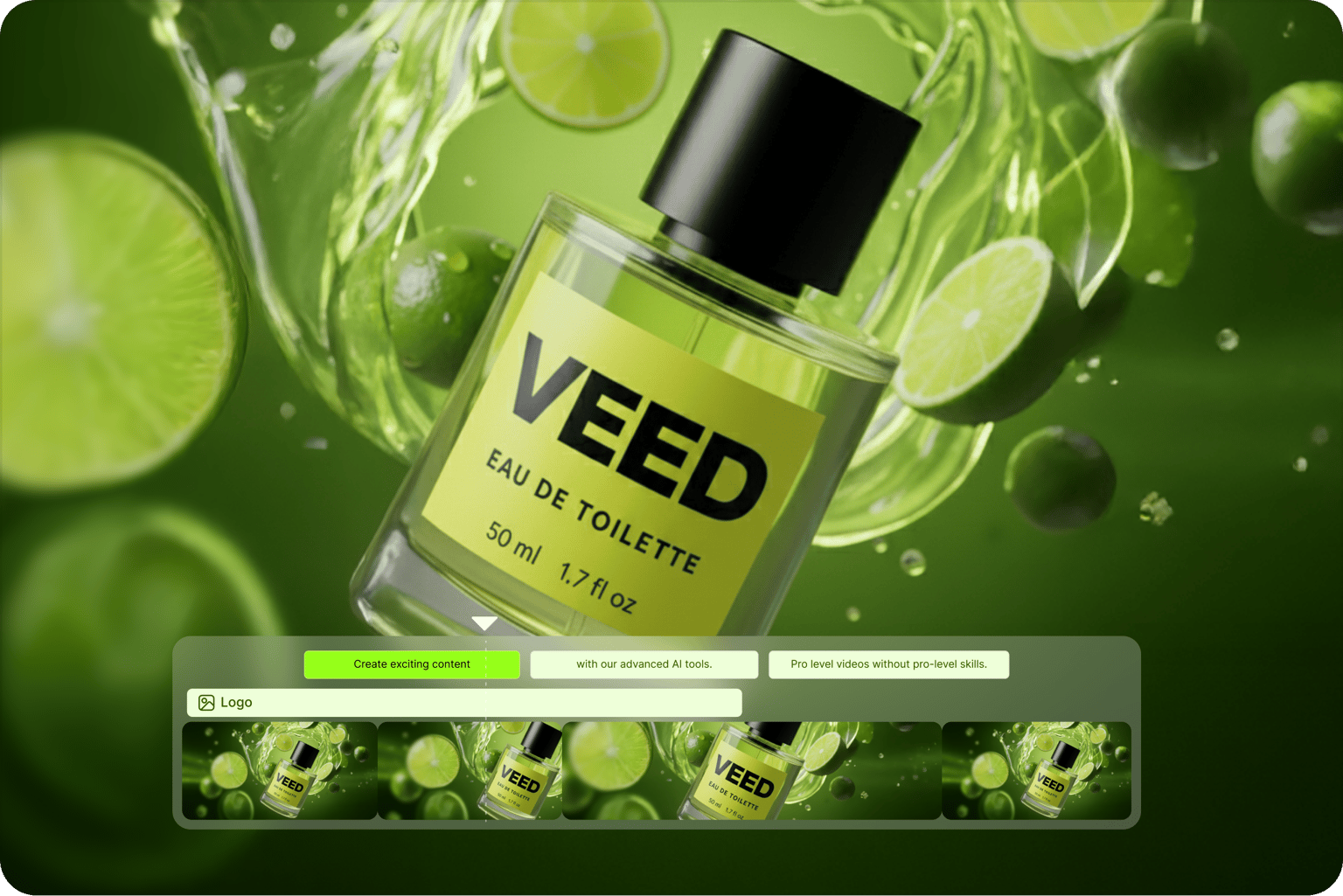
A sharp image is a good start for a video. Click Make image into a video to animate it with image-to-video AI, then add music, captions, and your branding in the editor. Working with footage? The video enhancer improves the quality of your video clips too.
FAQ
An AI image upscaler makes an image bigger and adds detail at the same time. Regular resizing stretches the pixels you already have, so the image gets blurry and blocky. An AI upscaler fills in the new pixels, so edges, text, and textures stay sharp. You can enlarge an image without losing quality, from 2x up to 16x the original size.
Yes. Upscaling by 2x or 4x with the Fast model is free. You'll need a paid plan for 6x, 8x, and 16x, and for the Pro and Ultra HD models, which add more detail for prints and close crops. You don't need a credit card to try the free options. See VEED pricing to compare plans.
Yes. 4K is 3840 x 2160 pixels. Upscale a 1920 x 1080 image by 2x, or a 960 x 540 image by 4x, and you get 4K, and both ratios are free. Smaller images need 6x, 8x, or 16x to reach 4K or higher, which is useful for prints, banners, and large screens.
Choose the smallest ratio that gets you to the size you need. 2x works for social posts and web pages, and 4x is enough for 4K and most slides. Use 6x to 16x for print or very small images. Start with the Fast model, and switch to Pro or Ultra HD if faces, text, or fine texture need more detail.
The upscaler adds resolution, so it works best on images that are small or pixelated but in focus. For photos with motion blur or out-of-focus shots, use VEED's unblur image tool first. For scratched, faded, or torn prints, try AI photo restoration. Then upscale the result to the size you need.
Download the high-resolution file for your store, slides, or print. You can also click Make image into a video to animate your image, or open it in VEED's AI image editor to remove objects, change the background, or edit text. Then add it to a video project with music, captions, and your brand colors, ready for TikTok, Reels, or YouTube.
Loved by creators.
Loved by the Fortune 500
“
With VEED I didn't need 15 tutorials - I jumped straight in and started editing.

Gwenne Wilcox
Founder,
Brand Brainery
“
You can go beyond choppping things. VEED actually makes my videos look great.

Michael Glover
Demand Gen Manager,
ConvertFlow
“
The first four videos i created with VEED got over 40,000 impressions on LinkedIn.

Travis Tyler
Senior Content Producer,
PandaDoc
“
I found VEED at the right time: if you're making UGC ads and not using Eye Contact Correction and Noise Reduction on VEED you're missing out on ROI.

Sebastian Schurgers
Head of Growth Marketing,
Gronda
“
With VEED I didn't need 15 tutorials - I jumped straight in and started editing.
Gwenne Wilcox
Founder,
Brand Brainery
“
You can go beyond choppping things. VEED actually makes my videos look great.
Michael Glover
Demand Gen Manager,
ConvertFlow
“
The first four videos i created with VEED got over 40,000 impressions on LinkedIn.
Travis Tyler
Senior Content Producer,
PandaDoc
“
I found VEED at the right time: if you're making UGC ads and not using Eye Contact Correction and Noise Reduction on VEED you're missing out on ROI.
Sebastian Schurgers
Head of Growth Marketing,
Gronda
“
The first four videos i created with VEED got over 40,000 impressions on LinkedIn.
Travis Tyler
Senior Content Producer,
PandaDoc
“
I found VEED at the right time: if you're making UGC ads and not using Eye Contact Correction and Noise Reduction on VEED you're missing out on ROI.
Sebastian Schurgers
Head of Growth Marketing,
Gronda
“
With VEED I didn't need 15 tutorials - I jumped straight in and started editing.
Gwenne Wilcox
Founder,
Brand Brainery
“
You can go beyond choppping things. VEED actually makes my videos look great.
Michael Glover
Demand Gen Manager,
ConvertFlow
Explore related tools
More from VEED
Best AI Image Generators: Top Tools for Creating Stunning Visuals in 2026
From text prompts to breathtaking visuals in mere seconds, AI image generators have revolutionized the way we create digital art. Whether you're building content for social, school, or just for fun, turning ideas into visuals has never been easier. This guide breaks down the best AI image generators of 2025. You'll see what each tool does well, where it struggles, and who it’s built for, so you can pick the right one for your goals and budget.

AI Art Prompts: How to Write Better Prompts, Creative Examples, and Tools to Try
Getting your AI art prompts is the key to winning with generative AI tools. Learn how to write better prompts here.

Best Canva Alternatives to Try in 2026
Looking for suitable Canva alternatives? We've got you covered. Find the best options for your needs here.
Trusted by 1M+ creators
When it comes to amazing videos, all you need is VEED
No credit card required
More than an AI image upscaler
Upscaling is just the beginning. With VEED, you can create images with AI, edit them by typing what you want changed, and turn them into video with image-to-video AI, all in one place. Add captions, music, and your brand kit in the video editor, so the result looks like your brand made it. Then export videos for TikTok, Reels, Shorts, and YouTube without switching tools.