There are six simple ways to pay your Spectrum TV®, Internet, and Mobile accounts
How to Pay Your Spectrum Bill: Online, by Phone, or In Person
Spectrum Internet
Prices
$30-$140
Download Speeds
100-7000 Mbps
Data Cap
Unlimited
Spectrum customers have plenty of simple and quick options for paying their bills. The six simple payment methods in this article will work for Spectrum WiFi® and Internet, TV, or Mobile customers (or all three).
If you want to quickly contact Spectrum customer service to pay your bill, you can call Spectrum at 833-267-6094. You will need your checking or savings account number, a debit card, or a select credit card. A $5 processing fee applies.
Read on for more details about paying your Spectrum bill, whether you pay online, over the phone, using an app, or even in person.
Key takeaways
- Spectrum customers can pay bills through six methods: the My Spectrum App, the website, phone, bank bill pay, in-store, or by mail.
- The My Spectrum App and website let you view your bill, submit a payment, and even enroll in autopay or paperless billing, though customer reviews of the app itself are mixed.
- Paying by mail is the slowest option, potentially taking days or weeks to process, so it's best avoided if you're paying close to the due date.
Guide to paying your Spectrum bill:
Meet the expert
Hi, I'm Kelly. I stay up-to-date on all things Spectrum, from new deals and price changes to acquisitions. I regularly review Spectrum Internet plans and research real customer experiences. For this article, I looked into Spectrum bill payment options and read the fine print so you don't have to.

Deputy Editor, Reviews.org
Pay your Spectrum bill with the My Spectrum App
One of the easiest ways to pay your Spectrum bill is to use the My Spectrum App. Just download the app on your Android or iOS device (if you haven’t already) and follow these steps.
- Sign in to the app with your username and password. You may need to create a new username if you haven’t done that before.
- Tap the Billing tab.
- Select Make Payment.
- Enter payment information (if you haven’t already).
- Enter the amount you'd like to pay, the payment method, and the date that you want your payment to be processed.
- Tap the Make Payment button and make sure you get a confirmation saying that the payment was successful.
With Spectrum, any late fee will be automatically added to your bill.
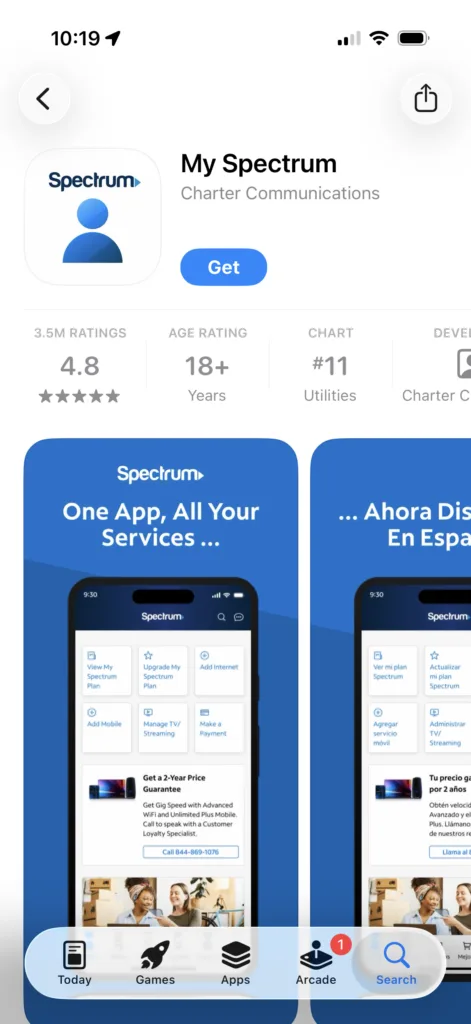
Screenshot of the My Spectrum app in the Apple app store. Image courtesy of Kelly Huh, Reviews.org
How is the My Spectrum app?
The My Spectrum app is so-so, according to customers. We talked to a real Spectrum Internet customer, Robyn Straw in St. Cloud, Missouri, who complains of the long waits when using the app to contact customer service. For more details on what customers really think about Spectrum, read our Spectrum Internet Review.
Pay your Spectrum bill online
If you don’t have the app, or don’t want to use it, then you can easily pay your Spectrum Internet®, TV, or Mobile bill using your internet browser. Just go to Spectrum.net and follow these steps.
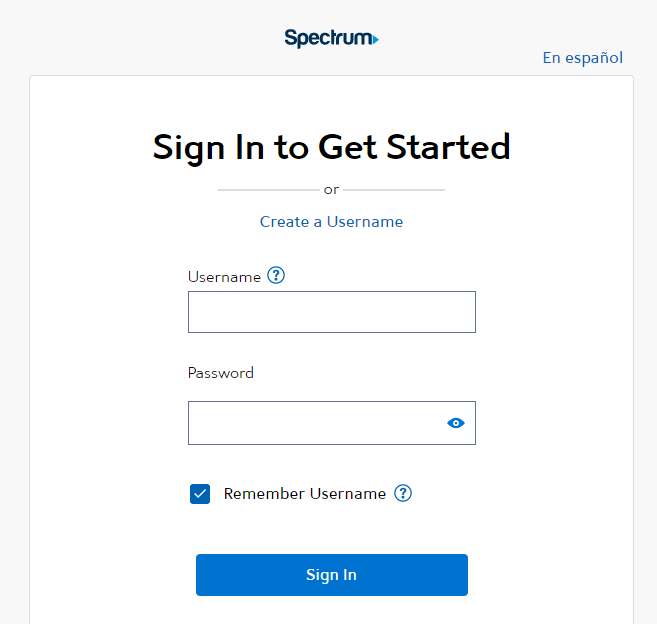
Image source: Spectrum.net
- Sign in with your username and password. Make sure you’re using the “Primary” or “Admin” account.
- Click on the Billing tab.
- Select the Make a Payment button.
- Enter your credit card or checking account information (if you don’t have a saved payment method).
- Select the amount you’d like to pay, the date you want the payment to go through, and the preferred payment method.
- Look for a confirmation message.
If you’re big on paying bills through quick and painless methods, you can also enroll in Paperless Billing through the Spectrum app. It’s the quickest way to get statements for your Spectrum TV, Spectrum Mobile, or Spectrum Internet bill.
Enroll in autopay to save time
While Spectrum doesn’t give you a discount for enrolling in autopay, it can make your life a lot easier. You can set up autopay for your Spectrum Internet or Spectrum TV account using the My Spectrum app or the company’s website. Just select the Billing tab and follow the Enroll in Auto Pay button.
Once you’ve enrolled in autopay, relax and enjoy the benefits of automatic payment!
Is Spectrum available in your area? Enter your zip code below to find out.
Pay your Spectrum bill over the phone
If you’re computer shy (or just don’t have easy access to the web), you can pay your Spectrum bill over the phone with Spectrum's customer service. Call (833) 267-6094 to reach Spectrum’s automated bill payment system.
Follow the automated system’s instructions to pay with a checking account, debit card, or credit card. To speed up the process, you may need to share either your Spectrum account number or the phone number associated with it.
And while you're on the phone with Spectrum customer service, you might as well try negotiating your monthly price. You can start by asking about Spectrum's cheapest plans.
Pay your Spectrum bill through your bank
You may be able to use your bank’s mobile app or website to set up an automatic transfer or bill payment between your bank account and Spectrum account. Add Spectrum as a payee and then enter the amount you want to transfer and the date you want to make the payment.
You may have to enter an address for the payment. You can find this address on your personal billing statement. Contact your bank if you have any questions about setting this up.
Pay your Spectrum bill in store
If you want to pay your Spectrum bill in cash, or you just want to make a transaction face-to-face, use your ZIP code to find a local Spectrum store. Once there, just walk in and tell the nearest employee that you’d like to pay your Spectrum bill.
Pay your Spectrum bill by mail
You can always pay your Spectrum bill the old-school way: by putting a check in the mail.
To do this, just write a check for the full amount on your billing statement. Make it out to Spectrum. Be sure to put your account number on your check so that it’s credited to the right account.
Put the check in an envelope along the remittance portion of your most recent Spectrum statement. Then find the right address on your billing statement, throw a stamp on that thing and put it in the mail!
Beware: it can take several days or even weeks for your payment to be processed by mail. If you need to make a payment fast, it’s better to use the app or website.
Recap
Paying your Spectrum bill for TV, internet, or mobile service is easy. There are six different ways you can make a payment (scroll back up if you need more details on how these methods work).
- Use the app
- Pay online
- Pay by phone
- Set up a payment through your bank
- Go to a local Spectrum store
- Send your payment by mail
If you still have a problem paying your Spectrum Internet bill, contact the company’s customer service department at (855) 243-8892.
FAQ
Yes, Spectrum offers its internet, TV, streaming, and mobile services in Austin, TX. To see all the available internet service providers and local reviews from Austin, check out our Austin Internet Availability page here.
Pay your bill over the phone by calling Spectrum at 833-267-6094.
According to Spectrum Internet customers on Reddit, the grace period for paying your bill runs from a due date until the last day of your billing cycle. So if you pay your full bill by the last day of your cycle, there should be no late fee.
Related Articles

Why Some Households’ Wi-Fi Crashes During the World Cup (and Yours Doesn’t Have To)
Frustrated by an internet connection that constantly cuts out while you're watching a game? Learn...

Spectrum Mobile Cell Phone Plans and Deals: Unlimited Plans, Better Value
Learn about Spectrum Mobile’s three prepaid plans and how to get its Unlimited line for...

Best Sports Packages in 2026: I Tested and Ranked the Top Picks
We have a list of the best sports packages in the streaming, cable, and satellite...

How to Program Your Spectrum Remote to Your TV
Spectrum TV customers will need to program their new remote so that it works with...